White Bg

Visual inspiration

Find your style with white bg examples aesthetic

These white bg examples aesthetic ideas show how a quieter backdrop can change the feel of a product, portrait, or graphic. White Bg is an editorial guide, not an editor: image upload and editing happen on Supavisual after signing in. Its AI actions require a paid subscription, and a white result may take a separate edit after background removal.

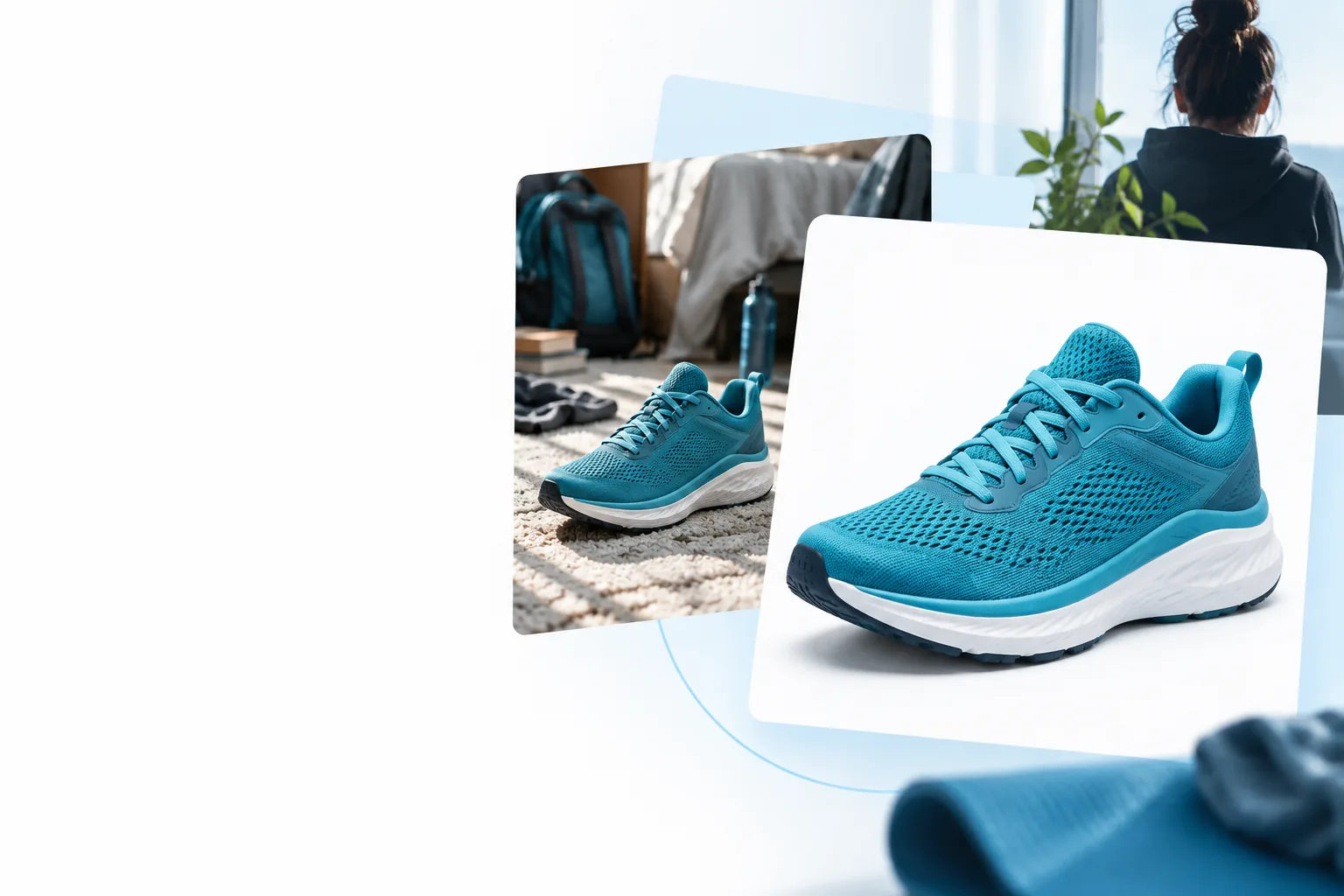
Illustrative image showing a subject against a light background

Most aesthetic image projects start with a subject, a destination, and a mood. Decide what must remain visible before choosing a white backdrop.

Small product maker

A ceramic cup is photographed on a busy kitchen counter. For an aesthetic product image, keep the handle, rim, and soft shadow legible while removing distractions.

A restrained white bg can make shape and texture easier to notice. Check the cup's pale edge against the backdrop rather than assuming the cutout will be complete.

free white background editor
Portrait curator

A headshot has a colorful wall competing with the face. A warm-white composition could make a series of portraits feel more consistent without changing each person's expression.

Leave breathing room around hair and shoulders. If wisps or translucent fabric matter, review the edge at full size before using the image.

is it better to have a white or black background

Social graphic designer

A cutout object needs to sit beside a short caption in a minimalist post. First decide the text-safe area, then place the subject so its silhouette does not crowd the words.

The aesthetic white bg serves the layout, not just the object. Export with white visibly present if the destination should not display transparency.

white bg for png

From Inspiration to an Edited Image

Use the examples to plan a composition. The actual file work takes place in the partner editor, not on this page.

  1. 1

    Choose a reference

    Pick the example closest to your subject: product, person, or graphic. Note the crop, margin, and whether the white is bright or slightly warm. Those choices often matter more to the aesthetic than the background color alone.

  2. 2

    Prepare the source

    Start with a clear view of the subject and enough space around its edges. Supavisual accepts PNG, JPEG, WebP, GIF, and AVIF uploads up to 25 MB after sign-in; HEIC is unsupported. Keep an original copy for comparison.

  3. 3

    Edit and inspect

    A paid remove-background action produces a transparent cutout, not a white image. A separate paid prompt edit may place the subject against white. Review edges, shadow, crop, and output before deciding whether it suits your intended use.

  • Inspiration is not an edit

    White Bg displays illustrative ideas; it cannot upload, transform, or return your image. The pictures on this page are not results created here.

    WorkaroundUse the examples as a brief, then open the partner editor if you want to work on a file.

  • Removal is not white placement

    Removing a background leaves transparency. An image viewer may display that transparency as white even though no white pixels have been added.

    WorkaroundUse a separate white-background edit when you need a visibly white result, then inspect the output.

  • Some edges need another look

    Fine hair, glass, pale fabric, and faint shadows may lose definition or look unnatural against white. No example can guarantee how a different source photo will turn out.

    WorkaroundZoom in on the subject boundary and compare the edited version with the original.

  • Not a free editing route

    The partner's AI actions require sign-in and an active paid subscription. Browsing these ideas does not provide an editing tier.

    WorkaroundPlan the composition here before deciding whether to use the partner editor.

Compare Two Illustrative Background Styles

Read this pair as a direction for composition, not as proof of a transformation performed on this page.

  • Subject-first reference
  • White composition reference

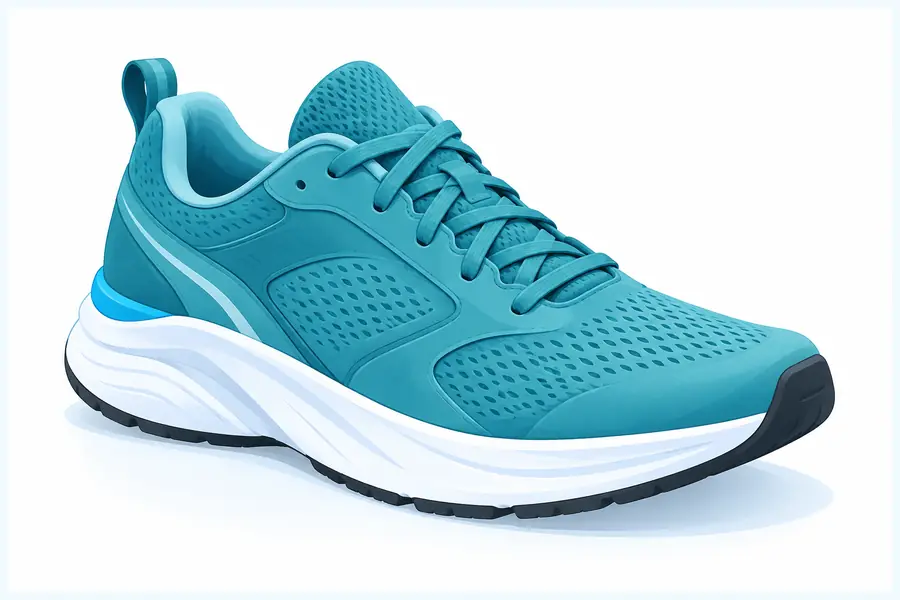
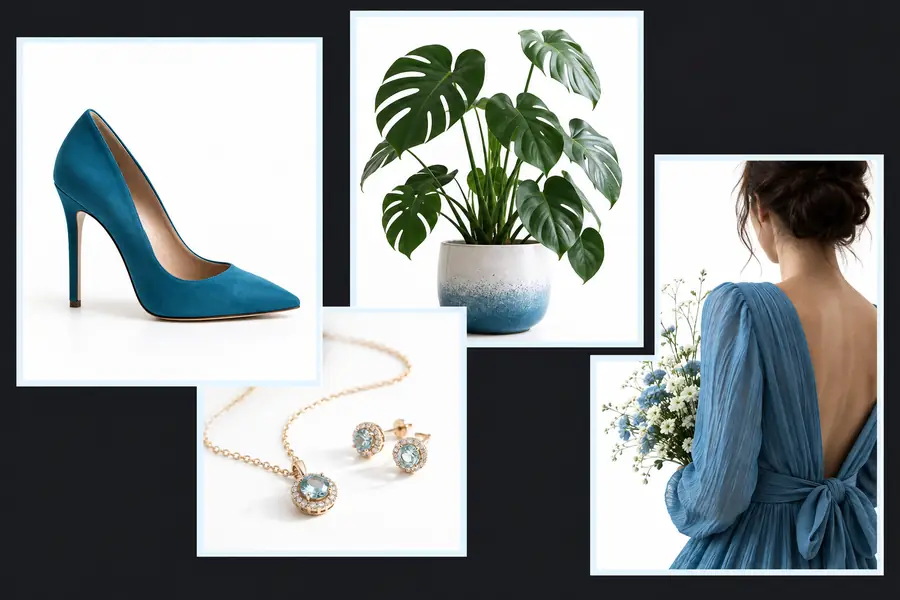
These are separate illustrations, not verified before-and-after frames of one edited file. For white bg examples aesthetic, compare the amount of empty space, the subject's contrast, and the treatment of shadows; do not infer that an editor will reproduce either image.

Illustrative object image used as a starting-style reference
Illustrative white-background composition used as a style reference

Transparent Cutout or White-Background Image?

A transparent cutout and a finished white image can look similar in some viewers, but they are different deliverables. Specify which one your layout needs.

1

Background

Transparent cutout

Transparent around the subject

White-background composition

Visibly white behind the subject

2

Best starting purpose

Transparent cutout

Placing a subject into another design

White-background composition

Presenting a subject in a clean, light scene

3

Partner action

Transparent cutout

Paid remove-background action

White-background composition

Separate paid prompt edit may be needed

4

Viewer appearance

Transparent cutout

May appear white depending on the viewer

White-background composition

Should retain a white backdrop when viewed elsewhere

5

Edge check

Transparent cutout

Look for missing subject detail

White-background composition

Also check contrast where pale edges meet white

6

Layout check

Transparent cutout

Test against the final design color

White-background composition

Check margins, crop, and space for text

7

Shadow decision

Transparent cutout

Decide whether the cutout needs one later

White-background composition

Review whether any shadow looks intentional

Take a composition idea into an editor

Choose the white bg look that fits your subject, then open Supavisual to upload and edit after signing in. AI actions require a paid subscription; review the output rather than expecting the illustrations here to match your file.

Open image editor
  • Keep your original image for comparison
  • Check whether you need transparency or visible white
  • Inspect fine edges and shadows before using the result

Questions About White-Background Examples

The effect usually comes from composition: deliberate margins, a readable silhouette, and restrained shadows. White alone will not fix an awkward crop or a subject that blends into the backdrop.

Yes, but the visual checks differ. Product images often depend on shape and surface detail, while portraits call for closer attention to hair, clothing edges, and the space around the face.

No. The partner's remove-background action returns a transparent cutout. A separate paid prompt edit may place it against white, and you should review that result.

No. They are illustrations for planning a look, not editable files or verified outputs from this page. Uploading and editing take place on Supavisual after sign-in.

No. White Bg is a guide, not a free editor, and Supavisual's AI actions require an active paid subscription. You can use the examples to decide on an aesthetic direction before opening an editor.

Open image editor
Open image editor