Put a Crisp White Bg Behind Any Photo in One Click
Product shots, portraits or ID pictures — White Bg lifts your subject off a messy backdrop and sets it on pure white, edge-perfect.
Say Hello to White Bg, Your AI Backdrop Cleaner
Swap cluttered surroundings for a bright, store-ready canvas. Fine details stay intact, so the subject always takes centre stage.
Edge-Level Accuracy
Trained models trace hair, lace and tiny gaps so cutouts look hand-masked, not machine-made.
Quick Turnaround
Drop a file, grab a polished result — no lasso tools, layers or fiddly manual selections.
Privacy First
Uploads are processed only to make your edit, keeping product and portrait shots confidential.
How it works
Three Steps to a Spotless Backdrop
Upload, let the AI isolate your subject, then download a crisp white bg version for shops, campaigns or personal albums.
Choose Your Image
Tap the upload button and pick a JPG, PNG or WebP straight from your phone or computer.
Let the AI Take Over
Your subject is detected automatically and the old scene is replaced with clean, even white.
Save and Use It
Preview the outcome, then download a high-resolution file for listings, ads or ID forms.
Features
Tools Built for Flawless Backdrops

Precise Subject Detection
Keeps jewelry sparkle, stray hairs and soft shadows intact for professional-grade cutouts.

Speedy AI Processing
Spend your time creating content instead of wrestling with selection tools and erasers.

Ready for Every Platform
Export bright, balanced images that suit marketplaces, social feeds, résumés and print.

Private Photo Handling
Built to keep sensitive product samples and family portraits discreet from upload to download.
Use cases
Clean Backdrops for Shops, Portraits and Beyond
Selling, designing or tidying up family pictures, White Bg gives every shot a studio-grade finish.
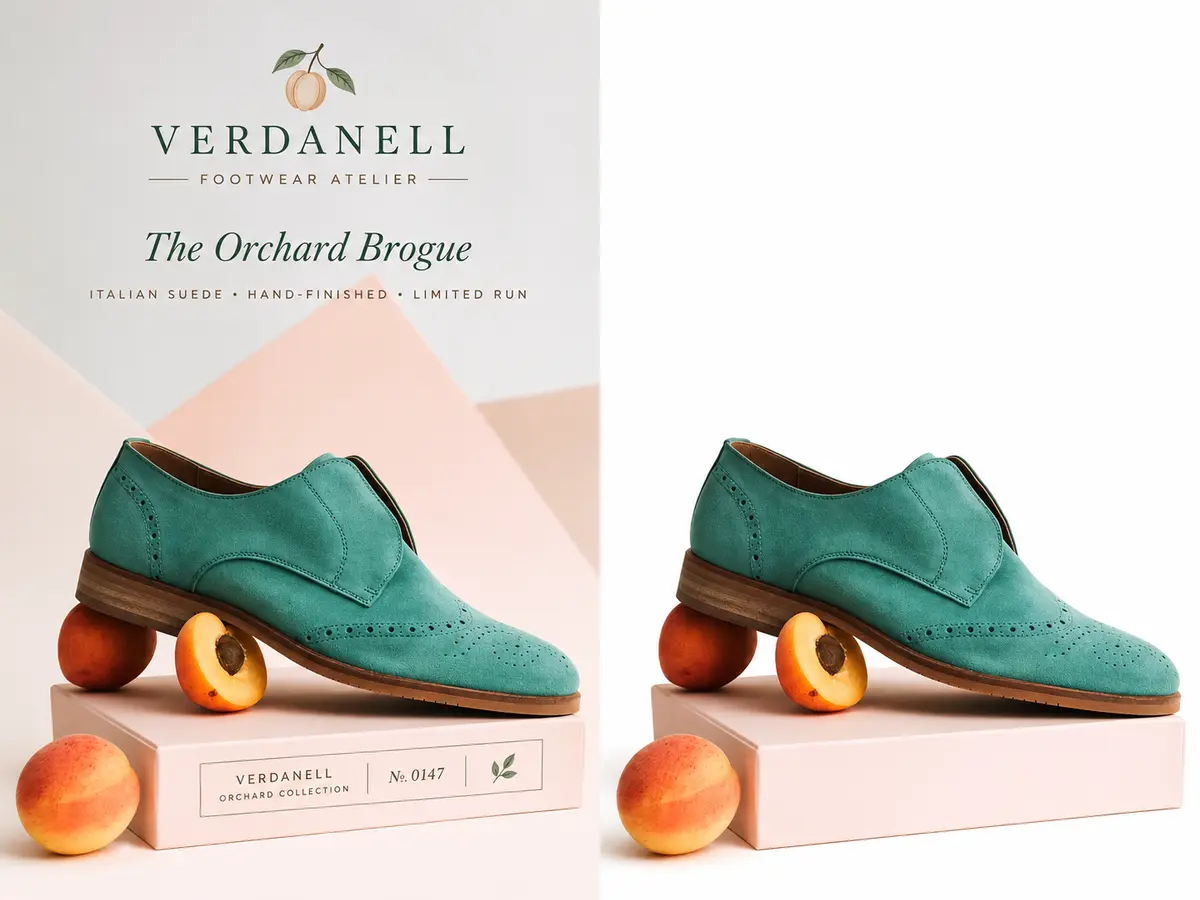
Store Owners & Sellers
Help listings shine on Amazon, Shopify and Etsy with the uniform look shoppers trust.
- Produce marketplace-compliant product shots
- Match every SKU on one white canvas
- Make listings look professionally styled
- Show true details and cut returns
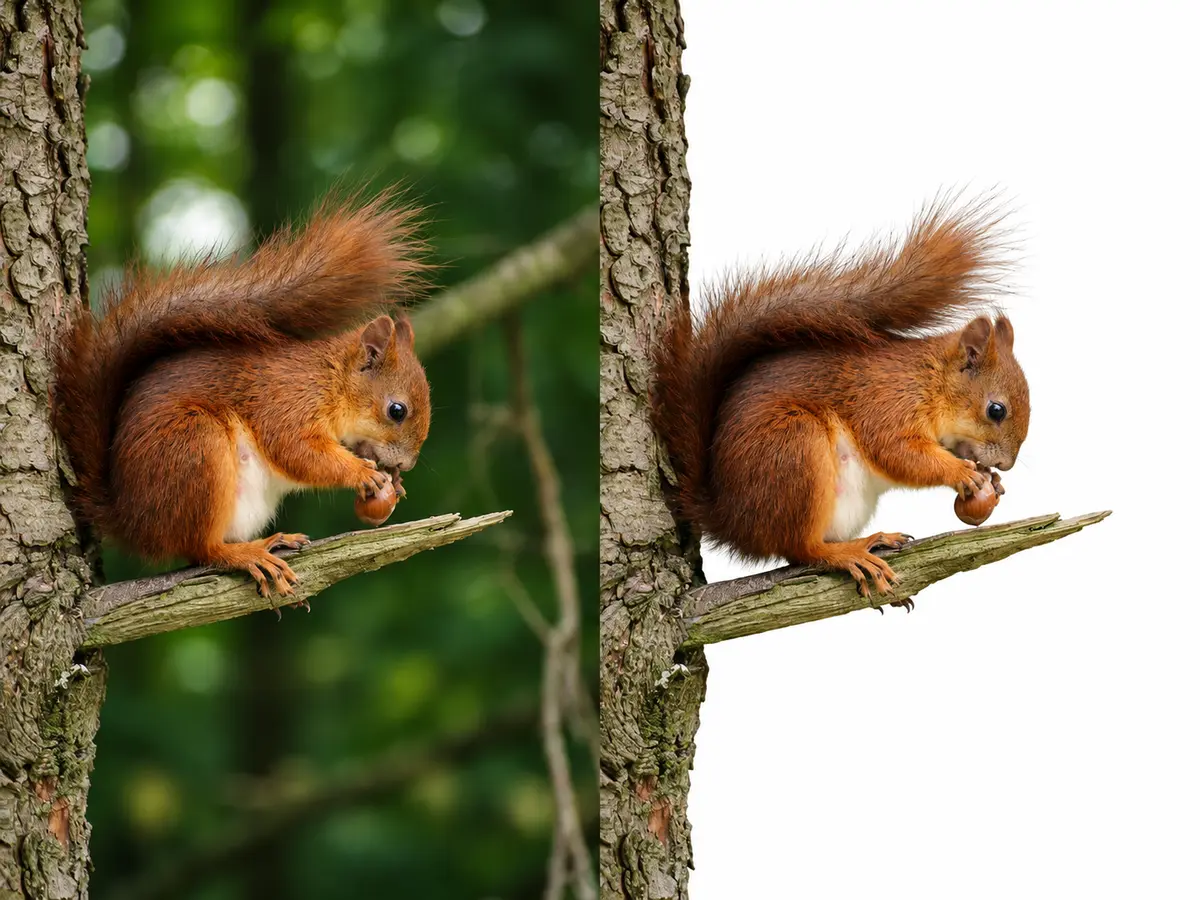
Creatives & Studios
Skip hours of masking and hand off production-ready cutouts that drop into any layout.
- Speed up portrait and composite prep
- Export tidy assets for design work
- Keep your editing pipeline lean
- Deliver client-ready files sooner
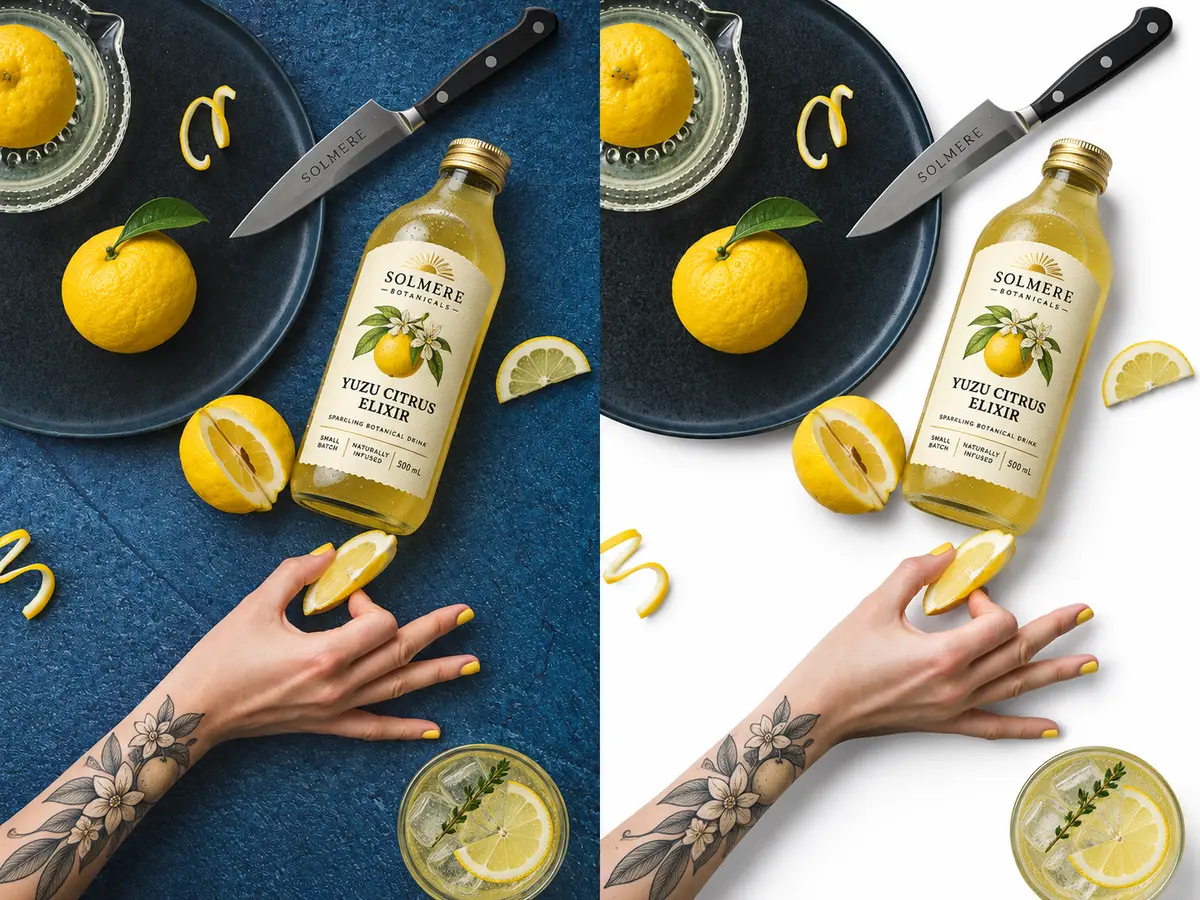
Brands & Social Teams
Make scroll-stopping visuals for every channel while staying on-brand and campaign-ready.
- Build bold ads and promo tiles
- Hold branding steady across channels
- Prep email and social assets quickly
- Test creative variations with ease

Everyday Photos
Refresh selfies, portraits and keepsakes with a bright backdrop suited to CVs and framed prints.
- Craft polished profile pictures
- Prepare ID and document photos
- Restore treasured family snapshots
- Share neat images on social
For sellers
Running a Store? Begin With Listing-Ready Product Images
Want tidier listings and a catalogue that looks consistent? There's a dedicated product photo workflow made for online merchants.
One Home for Product Photography
Open our white bg product photo editor to prepare listing images with a neater workflow. Sellers use it for Amazon listings, Shopify catalogues, Etsy shop photos and Google Shopping feeds.
- Make clean product images for listings and PDPs
- Keep catalogue imagery uniform across SKUs
- Prep visuals for Amazon, Shopify, Etsy and Google
- Handle all product cleanup in one place
Shooting Tips for Better Results
Give White Bg the strongest possible starting point. A couple of small tweaks make every cutout sharper.
Light It Evenly
Soft, diffused light helps the AI follow every contour, even around delicate details.
Choose a Contrasting Backdrop
When subject and surroundings differ in tone, separation becomes cleaner and more precise.
Stay in Focus
Lock focus on your subject; crisp edges mean neater cutouts and less touch-up later.
Frequently asked questions
Your Background Questions, Answered
Do I need editing skills to use it?
Not at all. Upload a photo and the AI handles the masking, so beginners get polished results.
What happens to the photos I upload?
Your images are processed only to produce your edit and are treated as private material.
Can I use edited images commercially?
Yes. Use your results on store listings, ads, packaging or social posts — no attribution needed.
How do I prep a product photo for Shopify or Amazon?
Upload the shot, let the AI isolate the item, then download a white bg image for your listing.
What's the simplest way to whiten a backdrop without Photoshop?
Use an AI editor. There are no layers or brushes to learn — just upload and download.
Does it work with PNG or transparent files?
Yes. Transparent areas are filled with solid white, giving PNG cutouts a finished look.
How does the AI cope with hair or fur?
It's trained on fine strands and soft edges, so pets and portraits keep natural outlines.
Is it suitable for passport photos?
It creates the plain white bg many ID forms request; always check your country's size rules.
Where can I edit product photos for my shop?
Visit the seller section above or tap any button on this page to open the editor.
Will my images be marketplace-ready?
You get bright, uniform backdrops that line up with common marketplace image guidelines.
Can backgrounds stay consistent across many SKUs?
Yes. Running every item through one workflow gives your whole catalogue a matching look.
Ready for Spotless, Studio-White Photos?
Sellers, photographers and creators lean on White Bg for clean, professional images — no design background needed.
Get started